How to Order at a Korean Restaurant Kiosk, Step by Step
On this page
Order at most casual Korean restaurants in 2026 and you’ll do it yourself, at a glowing touchscreen by the door: no host, no menu handed over, just you, a card, and about five taps. The good news is that the kiosk flow barely changes from one spot to the next, so once you’ve ordered one steaming bowl of noodles at one screen, you’ve basically done it everywhere. Here’s the whole sequence, from switching the screen into English to grabbing your buzzer and picking a seat.
Quick answers
- The kiosk flow is 5 steps: switch the language, pick a menu category, tap the dish, pay by card, then take your receipt or buzzer and sit down.
- Tap the flag or “ENG” icon (usually a top corner) before you start, because changing language mid-order can wipe your cart.
- Bring a card even for a cheap noodle bowl: cash covered just 15.9% of transactions in the Bank of Korea’s 2024 payment survey, and plenty of kiosks have no cash slot at all.
Before You Tap: Finding the Kiosk and What to Bring
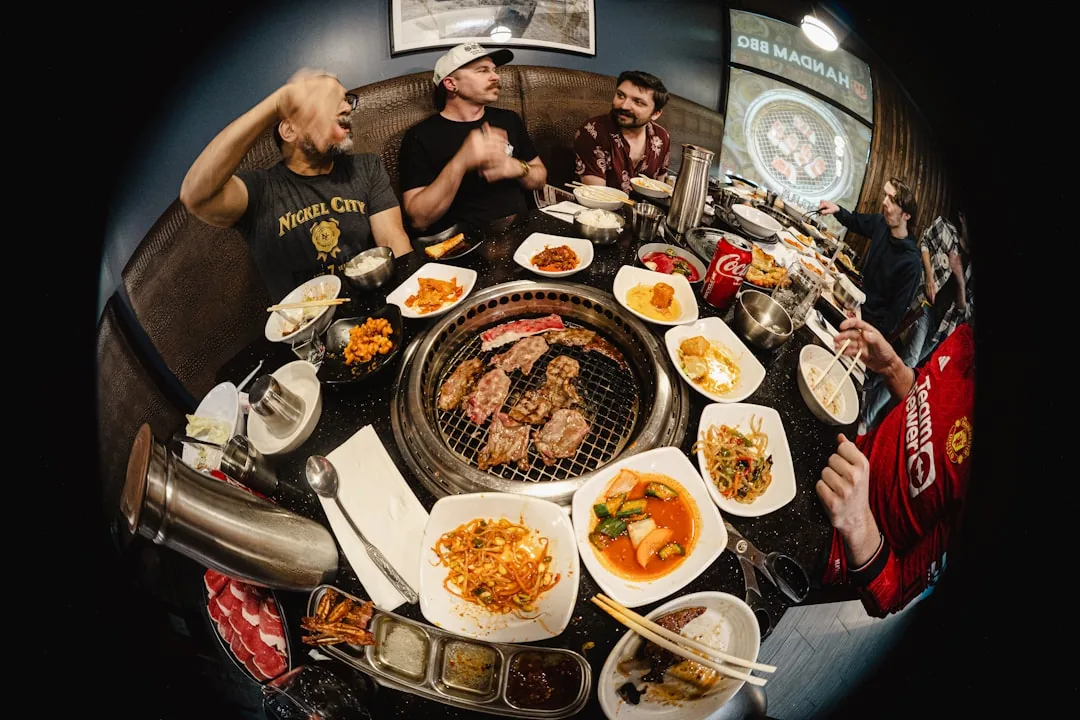
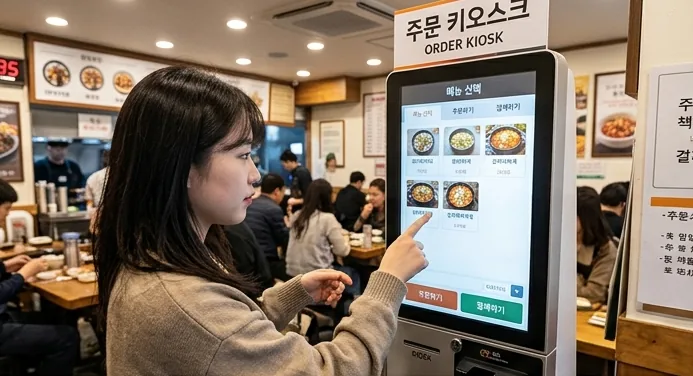
You’ll know a restaurant runs on a kiosk within a few steps of the door: a glowing stand near the entrance and nobody walking over to seat you means you order and pay first, then find a table. Barbecue and hanwoo places often mix systems, with a kiosk (or a tablet on the table) for drinks and extra plates and a table bell for anything mid-meal, so it pays to know which cut to order first before the scrolling starts. Bring a card. Korea runs on plastic: in the Bank of Korea’s 2024 payment survey, credit cards covered 46.2% of transactions and cash just 15.9%, so a kiosk that won’t take bills is nothing unusual. Keep an eye on the countdown timer some screens run, too: idle too long and it can reset your order to the start. If you don’t see a screen and nobody greets you, look again near the register, since that’s usually where the kiosk hides.
How to Order at Korean Restaurant Kiosk Screens: The 5 Steps
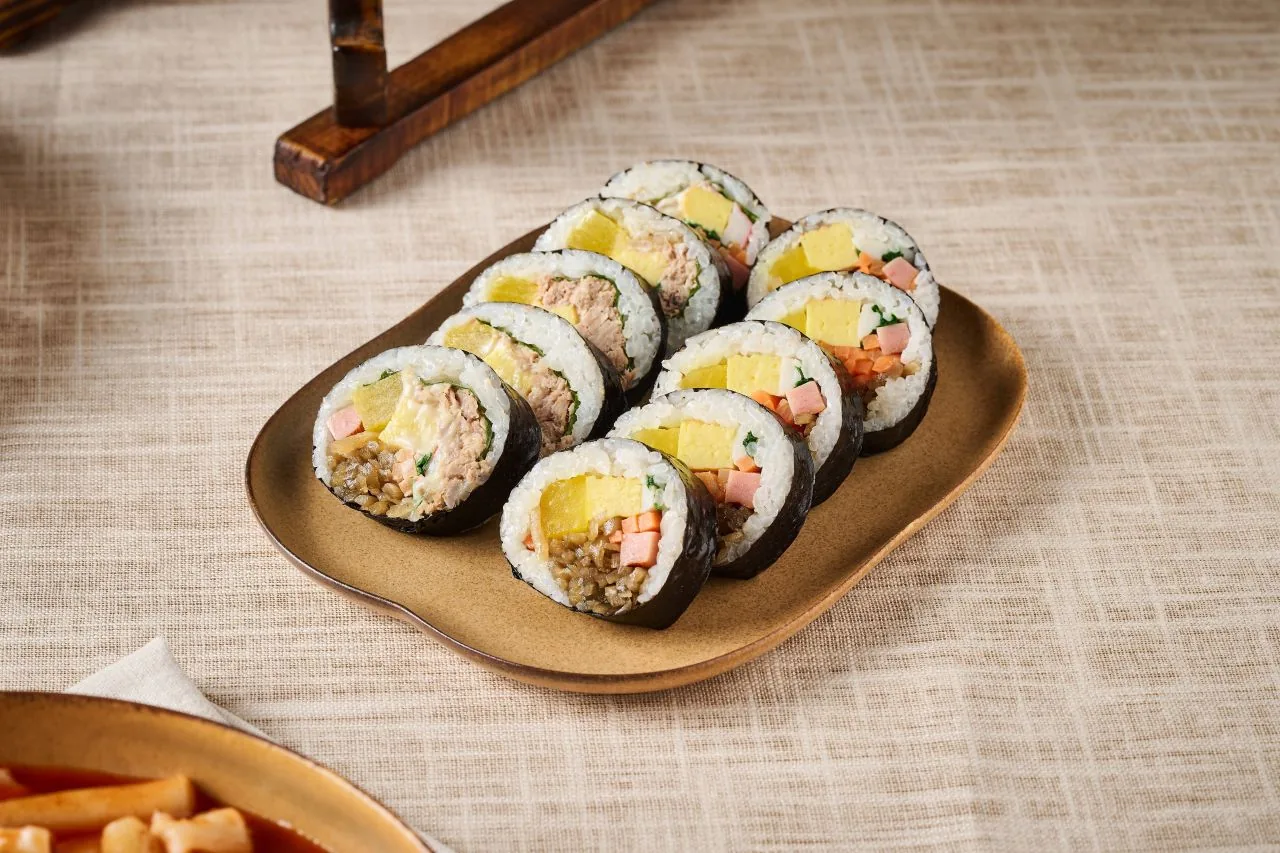
Ordering at a Korean restaurant kiosk comes down to five quick taps, and the sequence is the same whether you’re buying a roll of gimbap or a full galbi set:
- Switch the language first. Tap the small flag or “ENG” icon in a corner before you browse anything. Chain kiosks usually carry English and often Japanese and Chinese, though a small shop’s screen may be Korean-only, and switching later can reset your cart.
- Pick a menu category, then the dish. Categories sit across the top or down one side; tap one, then tap the photo of what you want. Photos are the whole point, so you rarely need to read Korean. Many screens also ask, either up front or at checkout, whether you’re eating in (매장) or taking out (포장).
- Set the quantity and any options. Use the plus/minus buttons for how many, then confirm add-ons the screen offers, like spice level, extra rice, or a drink.
- Check the cart and pay by card. Review the running total, hit the pay button, and tap or insert your card. Cash is often not an option, so don’t count on it.
- Take your receipt or buzzer and sit down. You’ll get a printed number or a vibrating buzzer; grab any open table, not an assigned seat, and wait.
The whole thing takes under a minute once the language is set. When the buzzer lights up and rattles, that’s your food: walk it back yourself from the counter, since smaller kiosk spots don’t always run plates to the table.
After You Order: Table Bells and Free Banchan
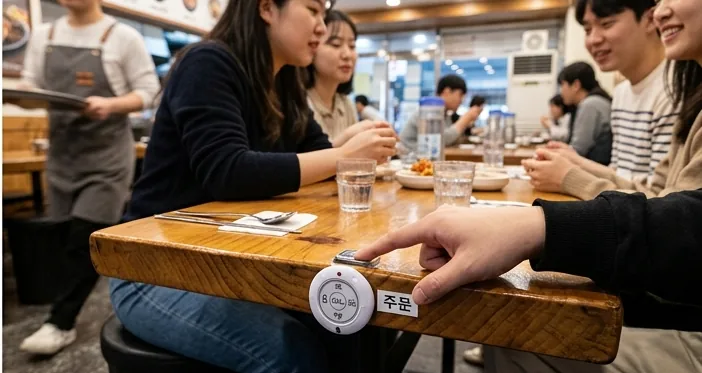
Once you’re seated, most of what you’ll want is handled by the table bell and the banchan, not the kiosk. The bell: press it exactly once and wait. Mashing it or calling “여기요!” across the room reads as impatient, and a server will usually come within a minute or two. One press covers ordering more, asking for the check, or flagging a spill, and a second press after a genuine wait is completely normal. When the check does arrive, there’s no tip to add, at barbecue spots or anywhere else (here’s why nobody tips). The banchan (반찬): those little plates of kimchi, seasoned vegetables, and bean sprouts are free and refillable at the vast majority of restaurants, and you don’t need to finish one to ask for more. Point at the empty plate, catch a server’s eye, or bell them. Barbecue spots often keep a self-serve banchan bar near the kitchen, so help yourself.
Common Kiosk Mistakes First-Timers Make
Skipping the flag icon and getting stuck in a Korean-only menu is the single most common stumble, so always check the top corner before you tap anything else. A close second is trying to pay cash at a card-only kiosk and holding up the line; if you don’t have a card, ask a staff member before you start rather than mid-transaction. Two more worth dodging: letting the on-screen countdown time out mid-order because you paused to translate a dish, and waving down staff by hand at a place that clearly has a table bell installed. Both just get your food to you slower.
The last mistake is treating a request for help as a failure. Since January 28, 2026, every public and private kiosk site in Korea has had to give disabled customers a workable way to order, and the Ministry of Health and Welfare’s rule lets small shops (under 50 m², or run by small-business owners) meet it with a staff helper and a call bell instead of a new machine. Staff assistance is an officially recognized way to use a kiosk, so if the screen defeats you, ask at the counter without apology.
Frequently Asked Questions
Q: How do you change a Korean restaurant kiosk to English?
Look for a small flag or “ENG” icon, almost always in a top corner, and tap it before you start browsing. Chain kiosks usually carry English and often Japanese and Chinese, but a small shop’s screen may be Korean-only. Switching mid-order can reset your cart, so do it first thing.
Q: Do Korean restaurant kiosks take cash or only card?
Many are card-only, especially at chains and fast-casual spots, so bring a card even for a cheap meal. If a kiosk won’t take your cash and you have no card, ask a staff member before you start the order rather than partway through.
Q: What if the kiosk times out or resets while I’m ordering?
Some kiosks run a countdown and clear your selections if you idle too long. If it resets, just start again from the language switch. Nothing is charged until you tap pay, so a reset costs you time, not money.
Q: Do all Korean restaurants use kiosks now?
No. Kiosks are most common at casual chains, cafes, and fast-casual spots in 2026, while many traditional and family-run restaurants still take orders with a table bell or a server who walks over.
Q: How do I get my food after ordering at a kiosk?
Most kiosks hand you a printed number or a buzzer. Sit at any open table, and when the buzzer rattles or your number is called, collect the food yourself at the counter; smaller places don’t always bring it out.
Once you’ve ordered your first kiosk meal and pressed your first table bell, the rest of the menu stops feeling like a guessing game.